
Pixel Art & Pattern Graph Maker
An online page maker tool to create custom shaped grid paper like boxes, squares, circles and diamonds for pixel drawing graphical projects, creating optical illusion or for general purpose tracing. Simply customize, download and print. Options include to print on variety of paper formats like A3, A4, A5, Letter Size and any custom size of your choice.
You have the flexibilty to control the line spacing, thickness, color, borders, margins and more. For quick, easy and ready to download pre-made templates, visit our Grid Papers Gallery section.
Outline
Shape Properties
Radius multiplier:
Fill Color:
Page Settings
Premium Features
LeftTopRightBottom
Click Regenerate to apply any changes.
Select 'Custom' to enter your own values.
- 'Portrait Layout' : width will be smaller
- 'Landscape Layout' : height will be smaller
Pre-made Templates

Circle Overlap Pattern Graph Paper

Diamond Overlap Pattern Graph Paper

Diamond Overlap Pattern Graph Paper

1/4" circles grid paper

Square Overlap Pattern Graph Paper

1/5" diamonds graph paper
You may also like:

Comic Strip
Boxes Grid Paper
Squares Grid Paper

Classic Notebook

2 Y-Cycles Log-Log Graph
What is Pixel Grid Paper?
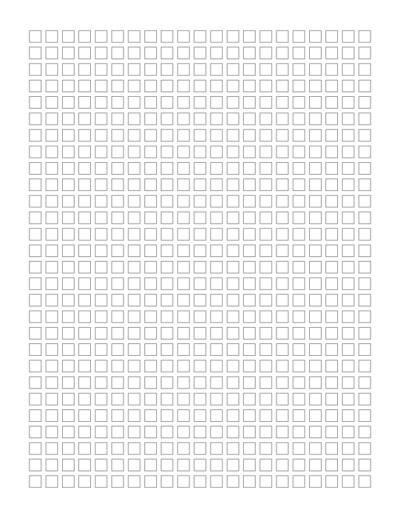
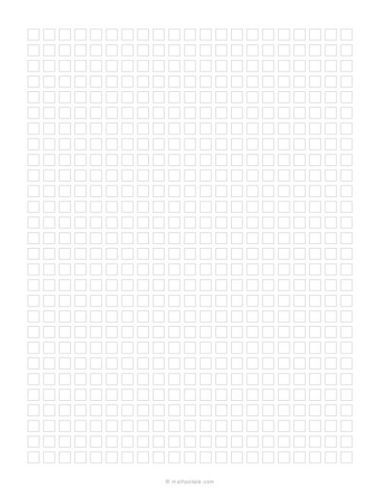
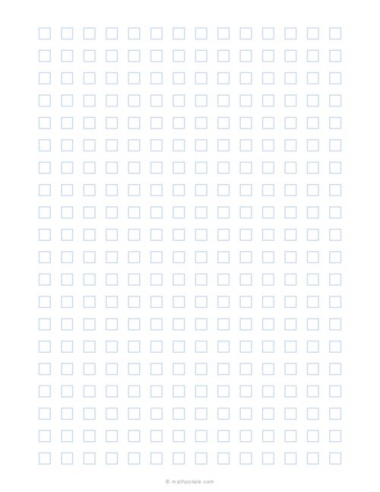
Pixel grid graph paper is similar to regular boxed grid paper. It is a pattern of geometric shapes like boxes / squares, circles or diamond at regular intervals in horizontal and vertical direction. Intervals can vary with adjusting the spacing between shape objects. Pixels grids are useful for pixel drawings as each shape represents a pixel or say an enlarged pixel.
Common Uses
- Pixel art and pixel drawings
- Geometric drawing
- Pattern design
- Optical illusion drawings
- Coloring activities
- Craft planning
- Decorative designs
- Tracing practice
- Classroom art projects
- Quilt and textile design ideas
- Beading and craft patterns
- Drawing repeating motifs
- Math and geometry activities
Pixel Art Grid Paper Generator
Our Pattern Graph Paper Maker lets you create printable paper with repeating geometric shapes. Instead of being limited to the standard square lines found on regular graph paper, you can create grids and patterns using squares, circles, diamonds and other shape arrangements.
Adjust the settings to create anything from a simple pixel drawing grid to decorative overlapping geometric patterns. Once your pattern looks the way you want, you can download and print it for your project.
Customize the Grid Pattern
You can change the size and spacing of the shapes to create a tightly packed grid or a more open pattern. Depending on the selected shape and settings, you can also create overlapping designs and other interesting geometric arrangements.
Customize options such as:
- Shape and pattern style
- Shape size and spacing
- Outline color
- Fill color
- Line appearance
- Page margins
- Portrait or landscape layout
- Horizontal and vertical positioning
- Paper size
You can create printable pages in common formats such as Letter, A4, A5 and A3, or enter custom page dimensions for a specific project.
Pixel Art and Drawing Grids
One useful application of this maker is creating pixel drawing paper. A regular arrangement of small squares, circles or other shapes can act as individual pixels that can be filled or colored to form pictures and designs.
Increasing the size of the shapes makes the grid easier to use for children, classroom activities, hand-drawn pixel art and color-by-grid projects.
Geometric and Repeating Patterns
The maker is also useful when you need more than ordinary graph paper. Changing the shape, spacing, size and overlap can produce repeating geometric patterns such as circle grids, diamond patterns, overlapping squares and scale-like designs.
These printable patterns can provide a starting structure while still leaving you free to draw, trace, color or modify the design.
Make the Pattern Fit Your Project
Different projects need different grid sizes. A small, closely spaced pattern may work well for detailed artwork, while larger shapes are easier for simple drawings, coloring and classroom exercises.
With the generator, you do not have to search for a printable pattern with exactly the right dimensions. Set the shape, size, spacing and page options yourself and generate a page that better fits your project.
When finished, simply regenerate the pattern, download the printable file and print it for use at home, school, the classroom or your workspace.
