
Comic Strip Template Maker
Create your own printable comic strip templates with our easy online maker. You can customize the number, size, and arrangement of comic panels, adjust the space between boxes, change the page layout, and more.
Make simple or creative comic pages for drawing, storytelling, school projects, and comic book ideas. For quick, easy and ready to download pre-made templates, visit our Grid Papers Gallery section.
Box Settings
Comic Strip Layout - (Matrix)
Enter one row per line. Separate box width ratios with colons (:). The first number in each row also sets the row height. Max 5 rows, 5 boxes per row, values 1-9.
Page Settings
Premium Features
LeftTopRightBottom
Click Regenerate to apply any changes.
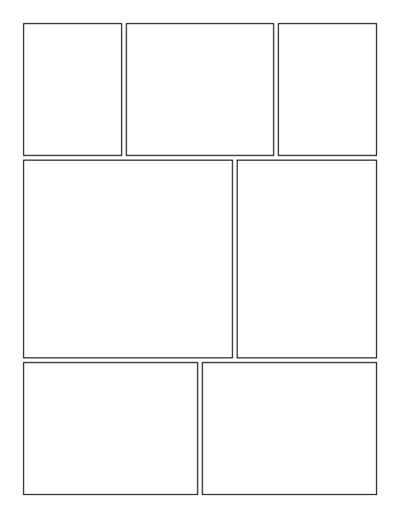
Select 'Custom' to enter your own values.
- 'Portrait Layout' : width will be smaller
- 'Landscape Layout' : height will be smaller
Pre-made Templates
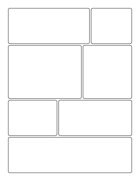
Comic Strip #3
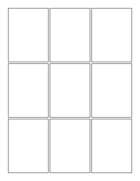
Comic Strip #1
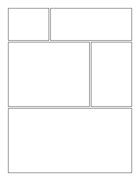
Comic Strip #2
You may also like:
Multi-Section Notes
Outline Circle Grid Paper

Multicolor Graph Paper
Knitting Graph Paper
Dotted Grid
What Is a Comic Strip Template?
A comic strip template is a blank page divided into boxes called panels. Each panel represents a scene, moment, or part of a story. You can draw characters and scenes inside the panels and add speech bubbles, captions, sound effects, and other details. Reading the panels in order tells the complete story.
Comic templates can range from a simple three-panel strip to a full page with many boxes of different shapes and sizes.
Uses of Comic Strip Templates
Printable comic strip pages are useful for much more than just making comics. Kids, students, teachers, artists, and writers can use them for:
- Creating comics – Draw your own funny, adventure, superhero, or everyday comic strips.
- Creative writing – Turn a written story into a series of illustrated scenes.
- School projects – Explain a lesson, historical event, book, or topic using pictures and short text.
- Storytelling – Practice telling a story with a clear beginning, middle, and ending.
- Reading activities – Retell a book or story by drawing important events in order.
- Character development – Experiment with characters, expressions, actions, and conversations.
- Story planning – Sketch scenes before creating a finished illustration, animation, or comic.
- Sequencing activities – Help students understand the order in which events happen.
- Art practice – Practice drawing characters and scenes within different panel sizes.
Comic Strip Template Maker
Our Comic Strip Template Maker lets you create custom comic pages with panels arranged the way you want. Make a simple row of equal boxes or create a more interesting comic page with panels of different sizes.
Key features:
- Custom panel layout – Define rows using a simple matrix format (e.g.,
2:3:2for three panels with different widths in one row); add multiple rows for varied page designs - Mixed panel sizes – Combine large panels (for key scenes or detailed art) with smaller ones (for quick actions or dialogue)
- Adjustable gutters – Control spacing between panels, from compact to widely separated
- Customizable box style – Change border thickness, corner rounding, box fill, and page background
- Portrait or landscape – Choose the orientation that fits your story format
- Page margins – Adjust blank space around the panel grid
- Flexible paper size – Use standard formats or enter custom dimensions
- Multiple copies – Generate several blank pages with the same layout at once
- Preview & regenerate – Instantly preview panel sizes, spacing, and layout before downloading
How it works: Adjust your settings, click Regenerate to preview, then download and print.
Perfect for kids, students, teachers, and artists use it for classroom storytelling exercises, comic book planning, character sketches, or custom worksheets. Build a simple strip or a fully customized multi-row comic page, exactly the way you envision it.
