
Post-it Notes Template Maker
Create your own printable Post-it notes templates with our free online maker. You can set the note size, choose how many notes appear on each page, adjust the spacing and colors, and customize the page layout. For quick, easy and ready to download pre-made templates, visit our Grid Papers Gallery section.
Note Dimensions
No. of Notes
Note Settings
Page Settings
Premium Features
LeftTopRightBottom
Click Regenerate to apply any changes.
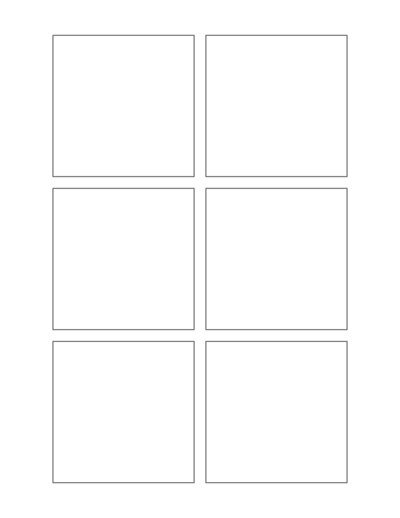
Select 'Custom' to enter your own values.
- 'Portrait Layout' : width will be smaller
- 'Landscape Layout' : height will be smaller
You may also like:
Multi-Section Notes
Lines and Dots Grid
Multicolor Circle Square Hybrid Grid
4 Lines No Space Handwriting Worksheet

Numbered Handwriting
What Is a Post-it Notes Template?
A Post-it notes template is a printable page divided into individual note-sized boxes. The boxes can be arranged in rows and columns to match common sticky note sizes or your own custom dimensions.
These templates can be useful when you want neatly arranged spaces for short notes, reminders, labels, ideas, tasks, or study information. You can print the page as a complete worksheet or cut the individual notes apart.
Uses of Printable Sticky Notes
Printable Post-it note templates can be used at home, school, or work. Some common uses include:
- To-do lists – Write down small tasks and daily reminders.
- Study notes – Create quick notes for vocabulary, formulas, dates, and important facts.
- Lesson activities – Teachers can create note spaces for classroom exercises and student responses.
- Brainstorming – Put one idea, topic, or question in each note box.
- Planning – Organize projects, schedules, goals, and upcoming activities.
- Office notes – Create reminders, meeting notes, and short messages.
- Labels – Make simple printable labels for folders, boxes, notebooks, and supplies.
- Journals and planners – Add custom note sections to planner or journal pages.
- Kids’ activities – Create spaces for words, drawings, questions, or simple learning activities.
Post-it Notes Template Maker
Our Post-it Notes Template Maker is an easy online tool for creating custom printable sticky note layouts. You can choose the size of each note, arrange multiple notes on a page, change the spacing, and customize the page to fit the way you want to print.
Instead of using a fixed template, you can create a layout that matches the sticky notes or note cards you already have. You can also make simple printable note boxes that can be cut out and used on their own.
Key features:
- Custom note size – Set width and height to match any sticky note or note card you own
- Rows & columns – Choose how many notes appear across and down the page
- Adjustable spacing – Control row/column gaps (wider for cutting apart, tighter to fit more notes)
- Custom colors – Change note fill and page background to match planners, classrooms, or projects
- Page layout controls – Set margins and center notes vertically/horizontally
- Flexible paper size – Use standard formats or custom dimensions, in either orientation
- Preview & regenerate – Instantly preview changes before downloading and printing
How it works: Adjust your settings, click Regenerate to preview, then download and print.
Ideal for planning, teaching, studying, organizing, and brainstorming, build a reusable template that fits your exact needs, whether that’s simple square notes or fully custom layouts.
